
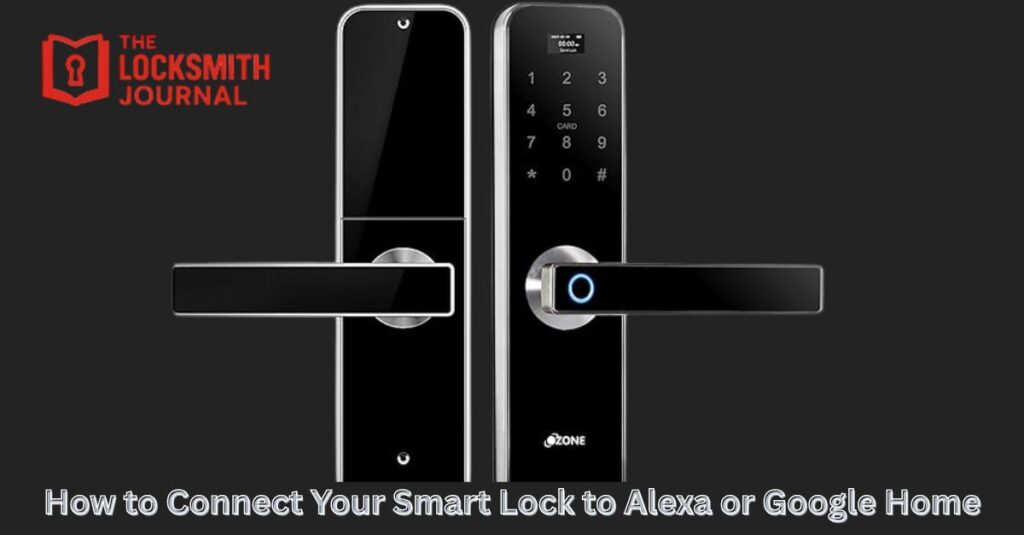
Smart locks make your life easier by letting you control entry with your phone or voice. When paired with Alexa or Google Home, you can lock, unlock, and monitor doors hands-free. Here’s how to connect your Smart Lock to these voice assistants safely and quickly.
Why Connect Your Smart Lock to Alexa or Google Home?
Pairing your smart lock with a voice assistant gives you full control and convenience.
You can:
- Lock or unlock doors using voice commands
- Check lock status remotely
- Create routines (like auto-lock at night)
- Manage guest access through apps
If you forget to lock your door, you can simply say, “Alexa, lock the front door,” or check from anywhere using Google Home.
Check Smart Lock Compatibility
Before setting up, confirm that your smart lock works with Alexa or Google Home.
Look for “Works with Alexa” or “Works with Google Assistant” on the box or app.
Popular compatible brands include:
- August Smart Lock
- Schlage Encode
- Yale Assure Lock
- Kwikset Halo
- Nuki Smart Lock
If you’re unsure, ask a Mobile locksmith near me to verify and help with installation.
Connect Your Smart Lock to Wi-Fi
Voice assistants need Wi-Fi to control your smart lock.
- Open your smart lock app.
- Go to settings and choose Wi-Fi setup.
- Follow the on-screen instructions to connect to your home network.
Keep your Wi-Fi signal strong near the door for reliable performance.
If your lock uses Bluetooth, you may need a Wi-Fi bridge for remote control.
Link Your Lock to Alexa
If you use Amazon Alexa:
- Open the Alexa app on your phone.
- Tap Devices, then select + Add Device.
- Choose Lock, then your brand name.
- Sign in to your smart lock account to link it.
- Follow prompts to finish setup.
Once connected, you can say:
- “Alexa, is the front door locked?”
- “Alexa, lock the front door.”
For security, Alexa may ask for a voice PIN to unlock doors. A 24 hour locksmith can help you enable this safely.
Link Your Lock to Google Home
For Google Home users:
- Open the Google Home app.
- Tap + Add Device, then Works with Google.
- Search for your smart lock brand.
- Log in to your lock’s account and grant access.
Now you can use voice commands like:
- “Hey Google, lock the back door.”
- “Hey Google, is the main door locked?”
Google Assistant also lets you include your lock in routines, such as locking doors when you say “Good night.”
Test and Customise Your Settings
After linking, test your commands to ensure everything works smoothly.
In both Alexa and Google apps, you can:
- Create lock schedules
- Enable notifications
- Add guest users
- Adjust PIN or passcode settings
A locksmith near me can assist with troubleshooting if your lock isn’t responding or syncing properly.
Secure Your Voice Assistant
Because smart locks connect to the internet, take these extra safety steps:
- Use a strong account password
- Turn on two-factor authentication
- Set a voice unlock PIN
- Avoid sharing your device login details
An emergency locksmith service can guide you on physical and digital security to prevent unauthorised access.
Common Issues and Fixes
1. My lock won’t connect to Alexa or Google.
Check Wi-Fi strength or restart your devices. Update both apps and firmware.
2. Alexa says “Device not responding.”
Re-enable the smart lock skill in the Alexa app and try again.
3. Google Home doesn’t show my lock.
Ensure your lock account is linked and the app permissions are enabled.
4. My lock doesn’t respond to voice commands.
Re-sync your account or check if the microphone permission is turned on.
Benefits of Smart Lock Integration
- Hands-free access control
- Remote monitoring from anywhere
- Automated lock routines
- Voice-based convenience for families
- Added security alerts and history logs
Connecting your smart lock transforms it into a full home security system. It combines physical protection with digital convenience.
Linking your smart lock to Alexa or Google Home makes home security effortless. You get peace of mind, better control, and smarter living all in one. Whether you’re tech-savvy or new to smart homes, setup takes only a few minutes.
Visit us for more information here https://thelocksmithjournal.com/ and subscribe for practical home security tips and locksmith updates.