
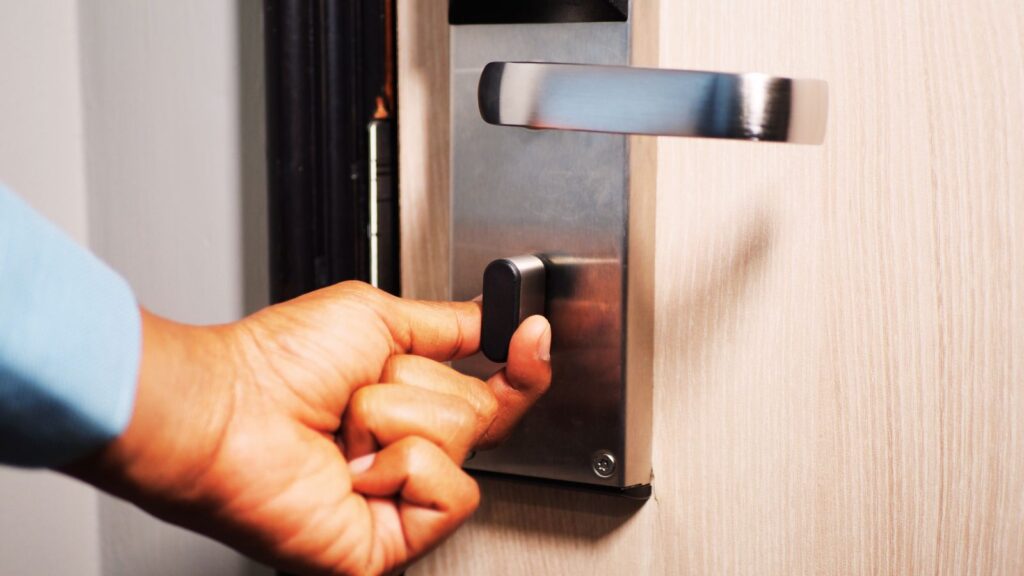
Technology has changed the way we protect our homes. Gone are the days when a simple key and deadbolt were enough. Now, smart locks offer convenience, remote access, and even voice control — but the big question remains: Are smart locks really secure?
In this article, we’ll explore how smart locks work, their pros and cons, and expert insights on whether they’re a safe choice for your home or business.
What Is a Smart Lock?
A smart lock is an electronic locking device that allows you to control access to your door using your smartphone, fingerprint, keypad, or voice assistant. Unlike traditional locks, smart locks can be managed remotely via apps or smart home systems.
Most models use Bluetooth, Wi-Fi, or Z-Wave connections to communicate with your phone or smart home hub. Some can even integrate with security cameras or alarms for added protection.
How Do Smart Locks Work?
When you unlock your door using a smartphone or code, the smart lock sends a secure digital signal to activate its motorised bolt. Advanced encryption prevents unauthorised access, and some models even allow for time-sensitive digital keys for guests or service providers.
Common smart lock features:
- Remote access via mobile app.
- Real-time alerts and activity logs.
- Temporary digital keys for visitors.
- Integration with home automation systems (Alexa, Google Home, etc.).
- Auto-lock and unlock functionality.
Advantages of Smart Locks
1. Convenience and Control
No more fumbling for keys — unlock your door with a tap on your phone or a passcode. If you forget to lock up, you can do it remotely.
2. Enhanced Access Management
Smart locks allow you to create and manage access codes for family, employees, or guests. You can even track who enters and leaves your home or office.
3. Integration with Smart Security Systems
Many smart locks work seamlessly with security cameras and alarm systems, offering a unified approach to home security.
4. Customisable Features
Some smart locks include biometric authentication (fingerprint or facial recognition), adding an extra layer of protection.
Potential Security Risks of Smart Locks
While smart locks bring innovation, no technology is 100% risk-free. Here’s what experts say you should be aware of:
1. Hacking and Cybersecurity Threats
Smart locks rely on wireless networks. If not properly secured, hackers could intercept signals or exploit weak passwords. However, reputable brands use advanced encryption and multi-layer authentication to minimise risks.
2. Power or Connectivity Issues
Smart locks need batteries or power to function. If the battery dies or the Wi-Fi fails, you might lose access. Always choose a model with backup key access or a battery warning system.
3. User Error
Many security issues arise from weak passwords, sharing codes carelessly, or failing to update firmware. Regular maintenance and cautious behaviour are key to keeping your smart lock secure.
Expert Tips to Keep Your Smart Lock Secure
- Buy from reputable brands — Quality matters when it comes to digital security.
- Use strong, unique passwords — Avoid simple codes like “1234” or “0000.”
- Update firmware regularly — Manufacturers release updates to patch vulnerabilities.
- Enable two-factor authentication (2FA) — Adds another layer of protection.
- Consider a hybrid system — Some smart locks allow manual key entry in emergencies.
- Hire a professional installer — A certified locksmith near me can ensure your smart lock is set up correctly and securely.
Are Smart Locks Safer Than Traditional Locks?
That depends on your priorities. Traditional locks are mechanical and don’t rely on power, making them simple and reliable. However, they can be picked or bumped with the right tools.
Smart locks, on the other hand, offer convenience and real-time control but rely on technology — which means they can be vulnerable to hacking if not properly configured.
The best approach? Combine both. Use a smart deadbolt with a mechanical key backup and reinforce your door frame for maximum protection.
When to Call a Locksmith
If your smart lock malfunctions or you lose access, contact a 24 hour locksmith or mobile locksmith near me. Professional locksmiths can:
- Reprogram or reset your smart lock.
- Install new locks safely.
- Provide expert advice on digital security.
- Offer emergency locksmith service if you’re locked out.
Frequently Asked Questions (FAQs)
Q1: Can smart locks be hacked?
Yes, but it’s extremely rare with modern encryption. Always buy from trusted brands and use strong passwords.
Q2: Do smart locks work during power outages?
Most use batteries and have manual key backups. Always check your model’s specifications.
Q3: Can I install a smart lock myself?
Some are DIY-friendly, but professional installation ensures better performance and security.
Q4: Are smart locks worth it?
Yes — for many, the convenience and control outweigh the risks, especially when installed correctly.
So, are smart locks really secure? The answer is yes — when installed properly and maintained responsibly. They offer modern convenience and enhanced control while maintaining strong physical protection.
However, like all technology, they’re only as secure as the person using them. Choose a trusted brand, keep software updated, and practice smart password habits.
If you’re thinking about upgrading your home or office with a smart lock, consult a professional emergency locksmith service or mobile locksmith near me for expert advice and installation.